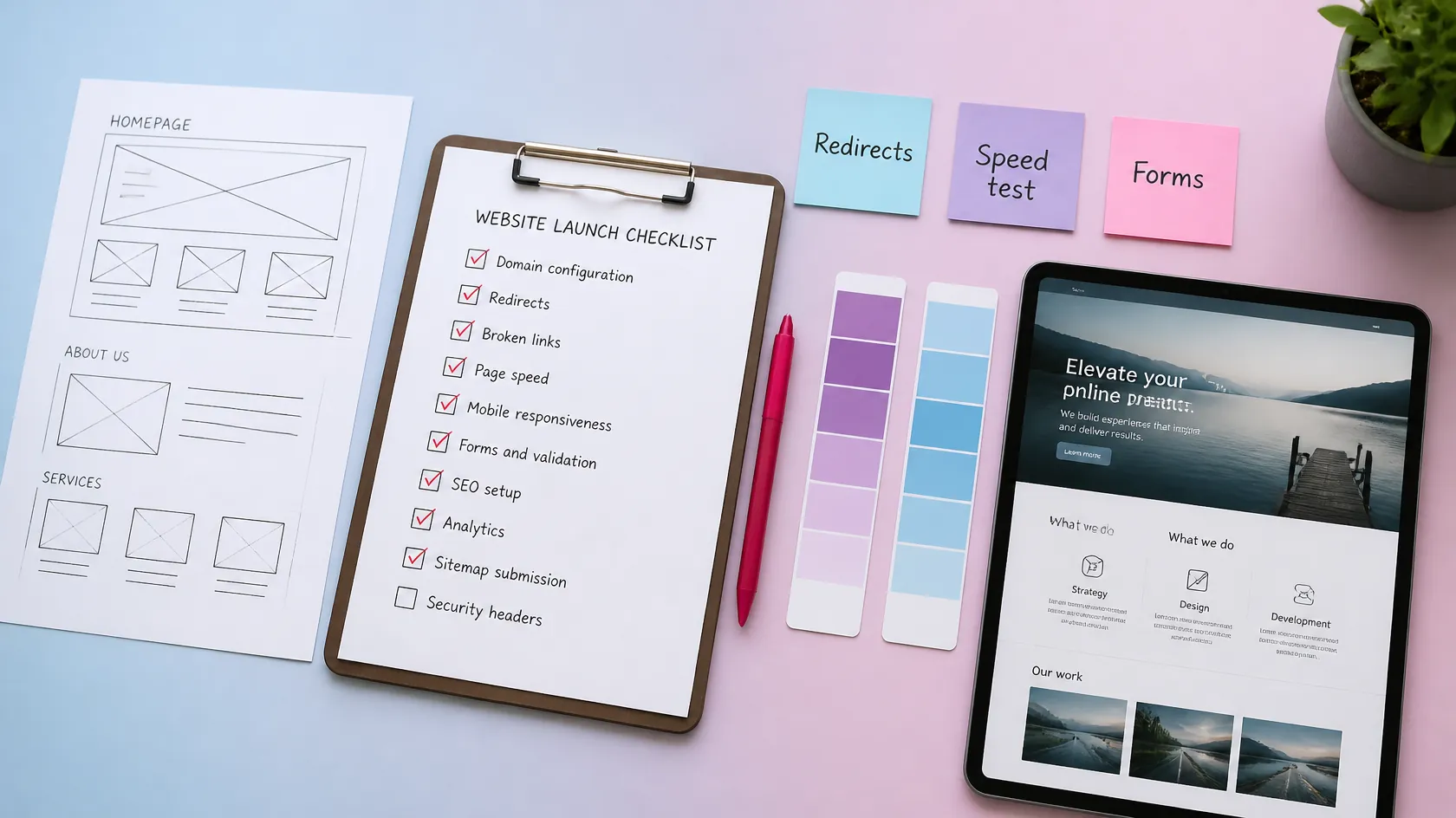
A good website redesign checklist has three parts: plan before you design, check every page before launch, and protect your Google rankings on relaunch day with redirects, speed tests and Search Console.
A new website feels exciting. But a redesign without a plan can break links, lose rankings and confuse your customers for weeks.
If you already know it is time for a change (here are the clear signs it is time for a fresh look), use this website redesign checklist to do it the safe way.
Part 1: Plan before you design
Part 2: Website redesign checklist for design and content
Mobile first
Design for the phone screen first. Most of your visitors are there.
Clear words
Rewrite old text in simple language. Say what you do in one line at the top.
Fresh photos
Real photos of your team or work build more trust than stock pictures.
One button per page
Call, book or buy. Make the next step easy to find.
Part 3: Website relaunch checklist
Relaunch day is where most redesigns lose traffic. These website redesign checklist steps keep your relaunch smooth:
Test on a hidden copy
Build the new design on a test link first, never on the live website.
Add 301 redirects
Every old page link that changes must point to its new page.
Check forms and buttons
Send a test message from every form and click every button.
Run a speed test
Compress images and turn on caching before you go live.
Keep your SEO
Titles, meta descriptions and headings should be ready on every page.
Submit your sitemap
Send the new sitemap in Google Search Console and watch it for two weeks.
The biggest mistake: forgetting redirects. Google still remembers your old links. If they show an error page, your rankings can drop fast.
How we redesigned our own website
In 2026 we gave MJSteadfast a brand new look. We did not touch the live website at first. MJ designed the new pages on a separate test subdomain, checked every page on phone and desktop, and moved it live only when everything was ready.
That one habit, building on a hidden copy first, is the reason our visitors never saw a half-finished page. We follow the same website redesign checklist for every client project.
Moving pages to new links? Google explains the safe way in its guide to site moves with URL changes.
Common questions about website redesigns
How long does a website redesign take?
Will a redesign hurt my Google rankings?
Do I need a new domain for a redesign?
Can I use a website redesign template?
Want a team to handle every item on this website redesign checklist for you, from plan to safe relaunch? See our custom web development services.